Welcome to our quick guide on GAI Translate key features!
This is part one of our series on how to use GAI Translate. In this post, with accompanying video, we’ll walk you through the platform’s essential features designed to make your translation experience as straightforward as possible.
For part two, go to How to translate text and documents with GAI Translate.
For part three, go to How to manage custom glossaries with GAI Translate.
For part four, go to How to integrate GAI Translate into existing systems.
Explore GAI Translate key features
- Translations: This is where you translate text or documents and view, copy or download completed translations.
- Glossaries: You can upload custom words and industry specific definitions for consistent translations.
- Notifications: This section displays updates on translation activities, including expert reviews.
- Statistics: In statistics you can track platform usage and token consumption.
- API: If your plan includes API access, you can view the relevant documentation in the API section.
- Preferences: This is where you manage your profile, password and multi-factor authentication.
Thanks for watching our guide to GAI Translate key features. We hope this overview helps you get started quickly and efficiently.
For a full overview of all the key features, click here.
Stay tuned for more concise how-to posts to help you make the most of our platform.
SHARE THIS ARTICLE
RELATED RESOURCES

How GAI Translate pricing and tokens work
Choosing the right GAI Translate plan is easy once you understand the three core blocks of the service: subscription, translation tokens, and expert review tokens. These elements work together...
3 MIN READ

User guide: Certification
When you translate a document in GAI Translate™, you may notice a “Certification” button when requesting for Expert Review. This feature unlocks GAI Certify™ — the world’s first one‑click,...
2 MIN READ
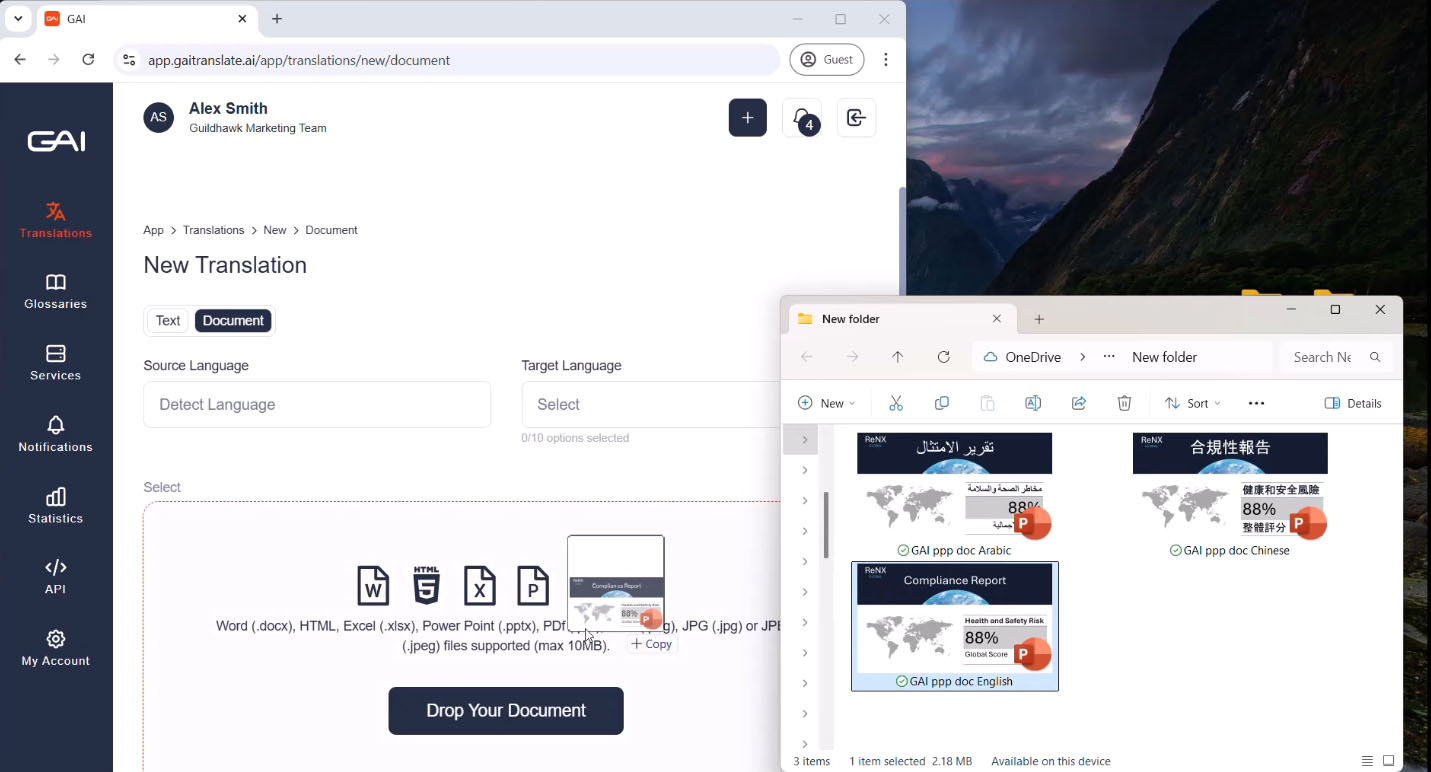
Uploading files: a guide for GAI Translate™ users
When you upload a file for translation, the format you choose can make a big difference in the final output. PDFs and image-based files can be translated—but because they’re designed...
4 MIN READ
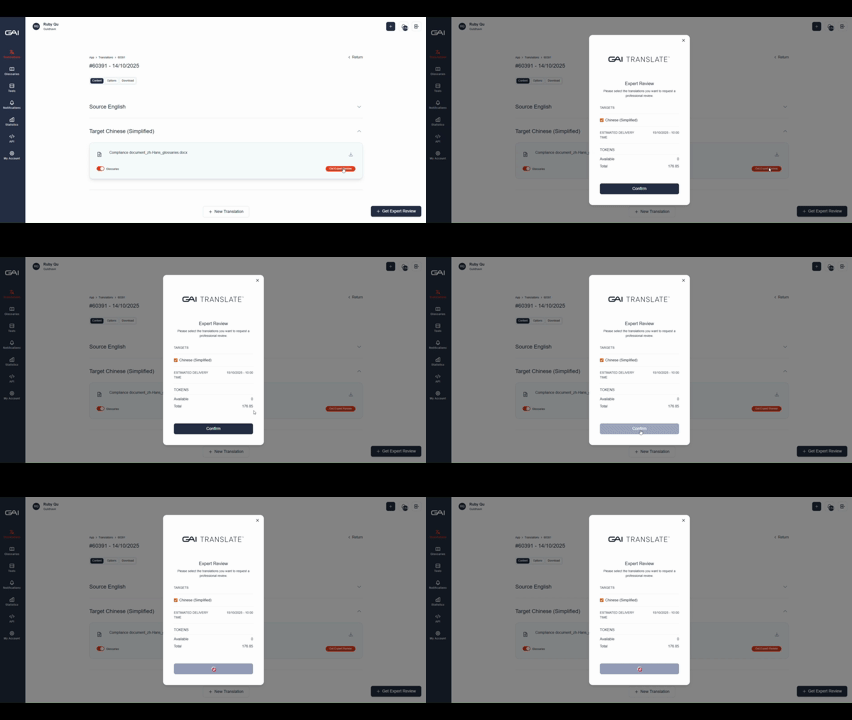
How GAI Translate pricing and tokens work
Choosing the right GAI Translate plan is easy once you understand the three core blocks of the service: subscription, translation tokens, and expert review tokens. These elements work together...
3 MIN READ
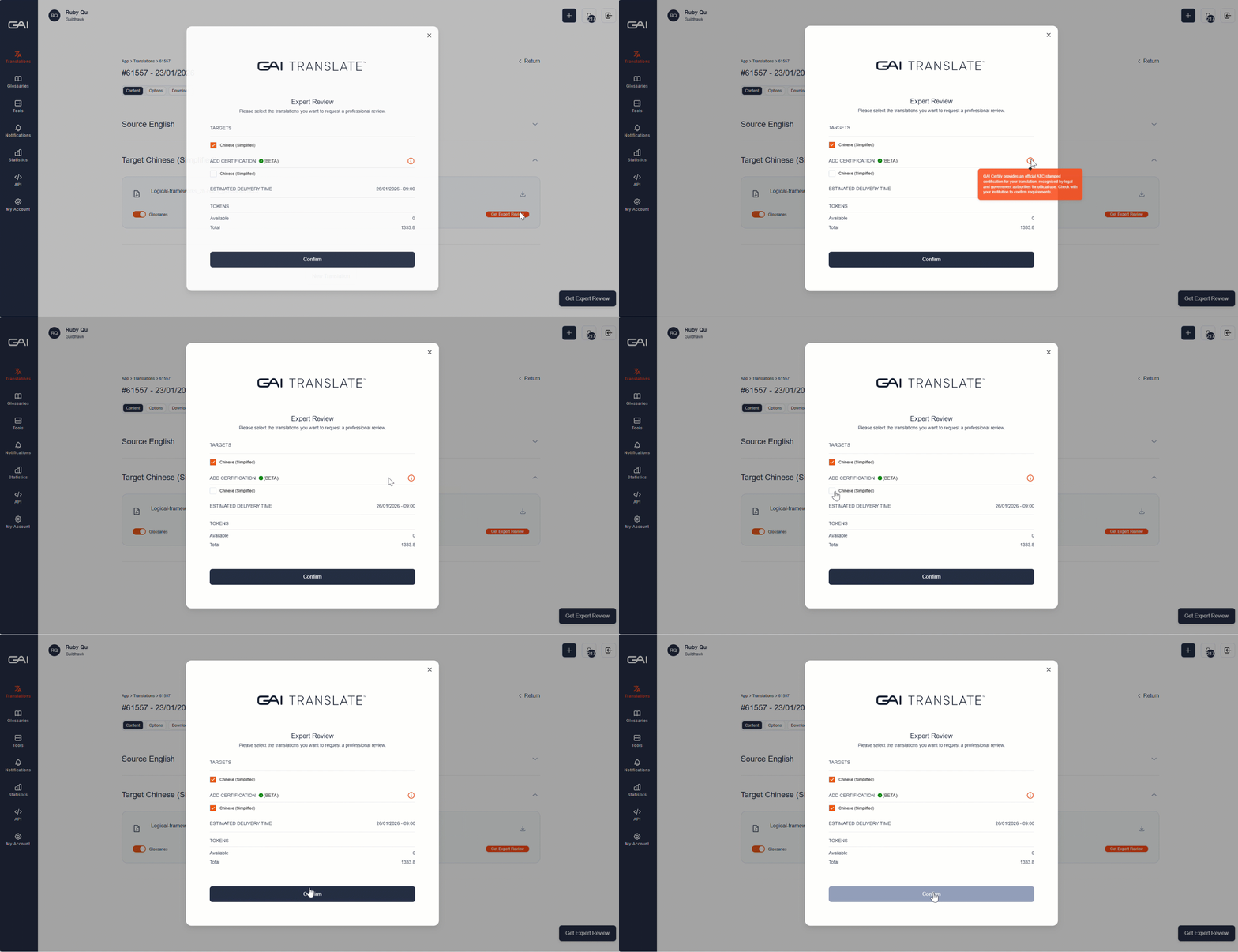
User guide: Certification
When you translate a document in GAI Translate™, you may notice a “Certification” button when requesting for Expert Review. This feature unlocks GAI Certify™ — the world’s first one‑click,...
2 MIN READ